
Update workspace name and logo
You must be an admin in order to update the workspace name. First, click your workspace name in the upper-left of your account, then select Workspace settings.
You must be an admin in order to update the workspace name. First, click your workspace name in the upper-left of your account, then select Workspace settings.
On the General tab within Workspace settings, you can update your workspace name. Once changes are made, click on Save updates to valid your new information.
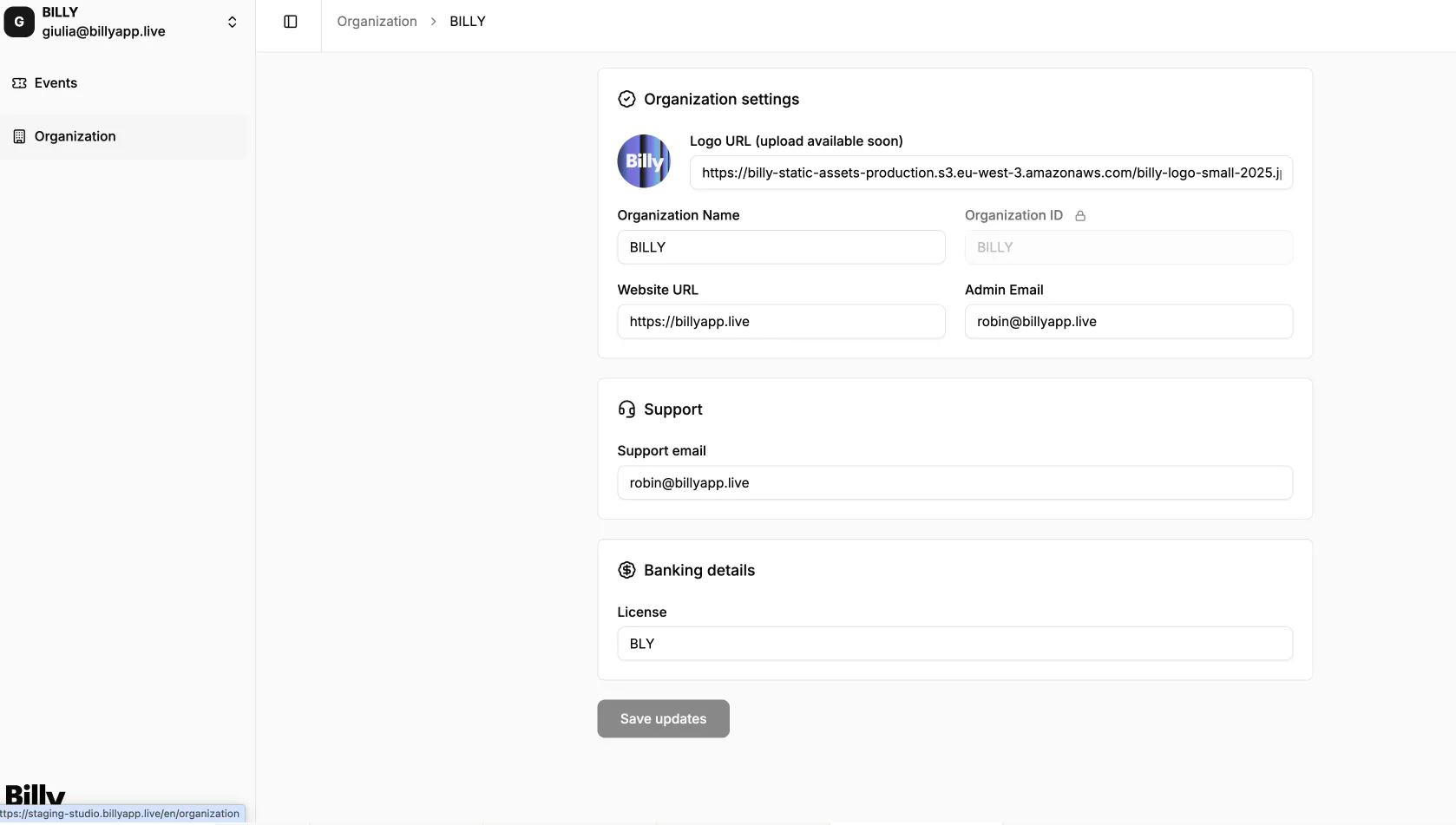

The information you provide as an organizer can be used on your tickets or for billing details (like for your customers invoices).
License is an optional field for Live events professionals (tours, festivals, concerts…).