
Set up your stripe account
Set up your Stripe account to start collecting and receiving money for your events.
Set up your Stripe account to start collecting and receiving money for your events.
Billy uses Stripe as its secured payment processor. Once connected, funds from ticket sales will flow directly into your Stripe account.
Step 1: Start Linking Your Account
It's quick and easy to connect Billy with Stripe.
Contact our support team to begin the setup process, they'll guide you through linking a new or existing Stripe account.
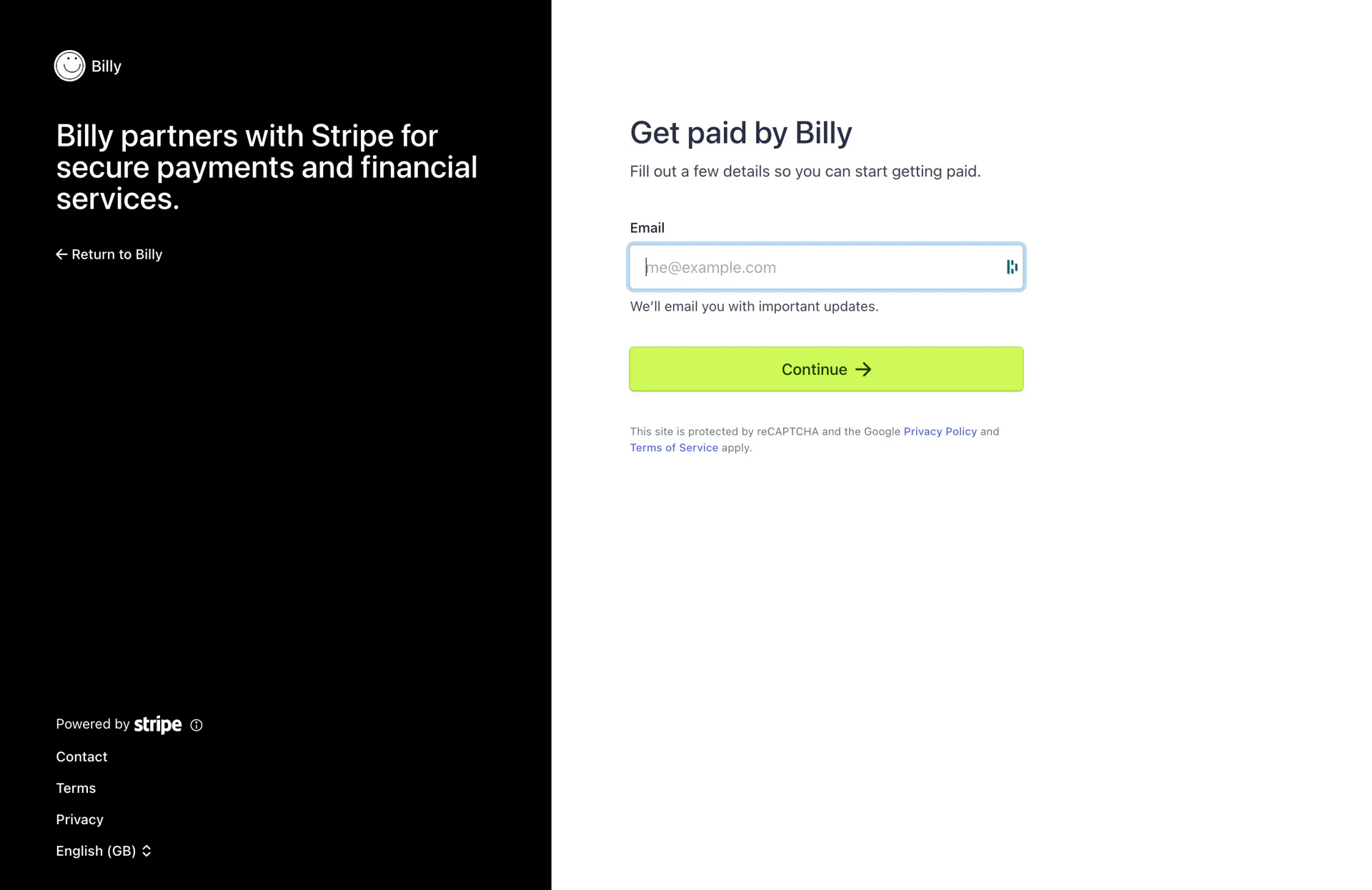

Step 2: Complete Stripe's Onboarding Form
Stripe will ask you to provide details about your company and its owners to meet regulatory requirements and legally create a Stripe account.
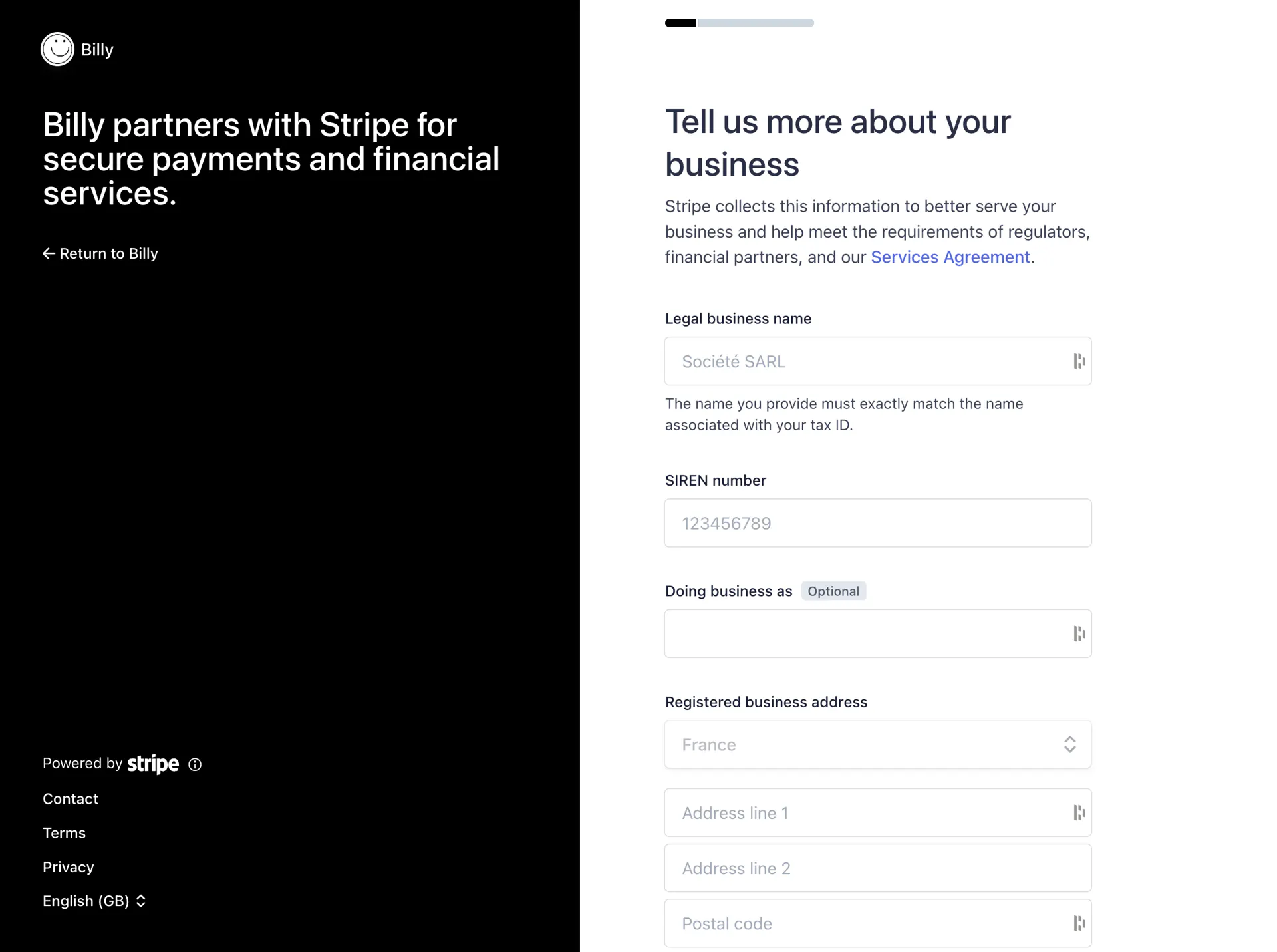

You may need:
- Company name, website, and address
- Company phone number
- Names, addresses, and birth dates of company directors/owners
- Email addresses of company directors/owners
💡 Tip: Your progress is saved automatically. You can leave the form and continue later.
Step 3: Verify Identity
Stripe will ask for a valid identity document (passport or national ID).
Verification usually takes around 10 minutes.
You're All Set
Once verification is complete, your Stripe account is live, and you're ready to receive payments through Billy. 🎉