Manage team members
Use Team members to control who can access your organization in Billy: invite new members, share invitation links, and remove people who should no longer have access. Members belong to the organization and manage its events according to their role. This is useful when you onboard a colleague, renew an expired invitation, or off-board someone who has left your team.
Use Team members to control who can access your organization in Billy: invite new members, share invitation links, and remove people who should no longer have access. Members belong to the organization and manage its events according to their role. This is useful when you onboard a colleague, renew an expired invitation, or off-board someone who has left your team.
Opening the members list
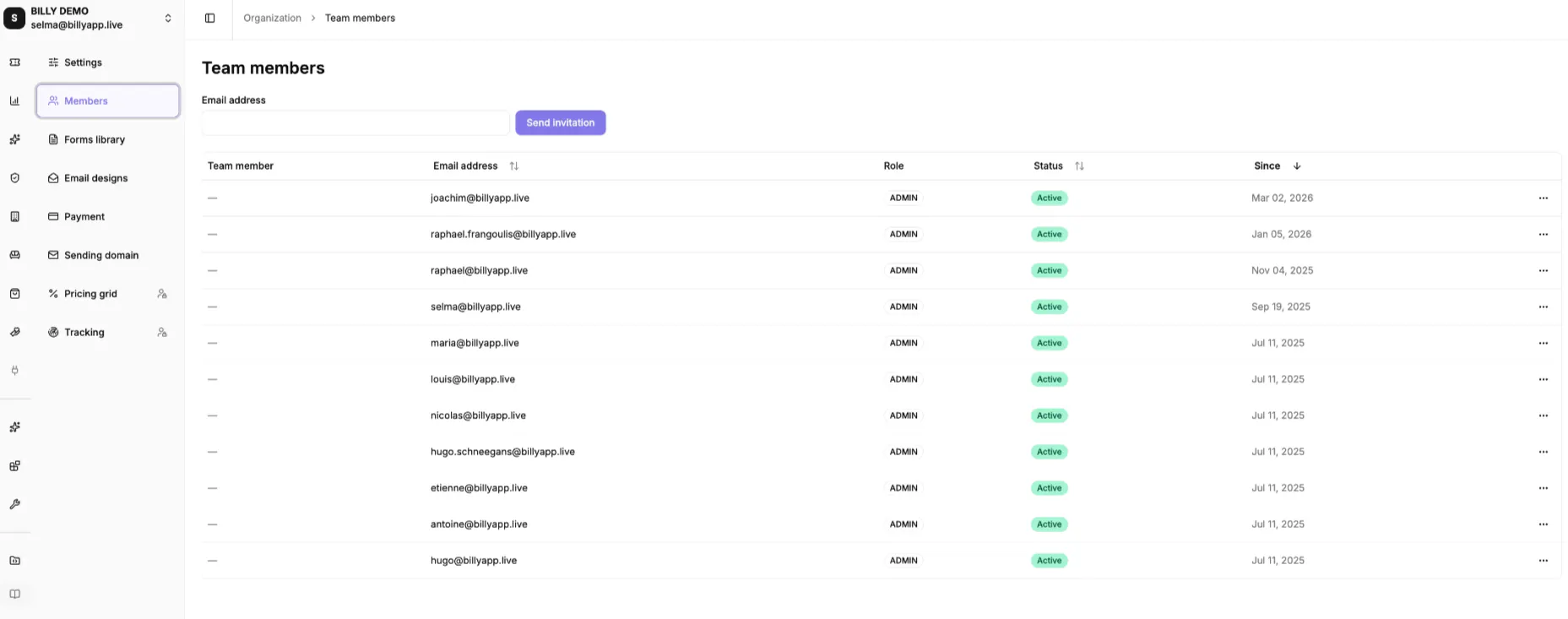
In Billy Studio, open your Organization, then go to Members. The Team members table lists everyone with their name, Email address, Role, Status (Active, Pending, or Expired), and the date they joined.

Inviting a member
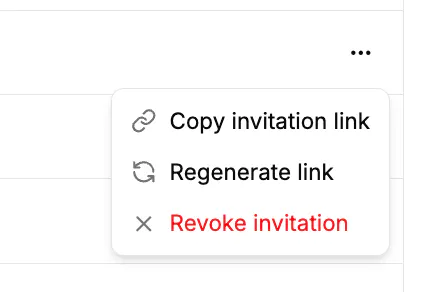
Invitations are managed from the members table row actions. Use Copy invitation link or Regenerate link to share access, and Revoke invitation to cancel one that is still pending.

Removing a member
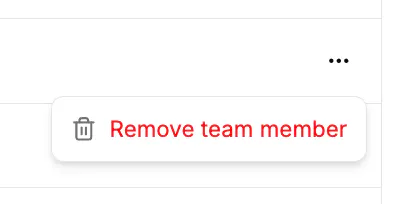
On an accepted member's row, open the actions menu and click Remove team member. The member loses access straight away and a Team member removed confirmation appears. You cannot remove the last admin of the organization. Assign another admin first if you need to.